
Create with GPT Image 2
OpenAI's latest flagship image model focused on instruction fidelity, context understanding, and high-quality editing.
GPT Image 2 – Fast, High-Quality Image Generation and Editing
According to OpenAI docs, GPT Image 2 is a state-of-the-art image model built for high-quality generation and editing, with strong instruction following and contextual awareness.

What Is GPT Image 2?
GPT Image 2 is one of OpenAI's flagship models for image generation and editing. OpenAI positions it as a state-of-the-art model with flexible image sizes and high-fidelity image inputs for production workflows.
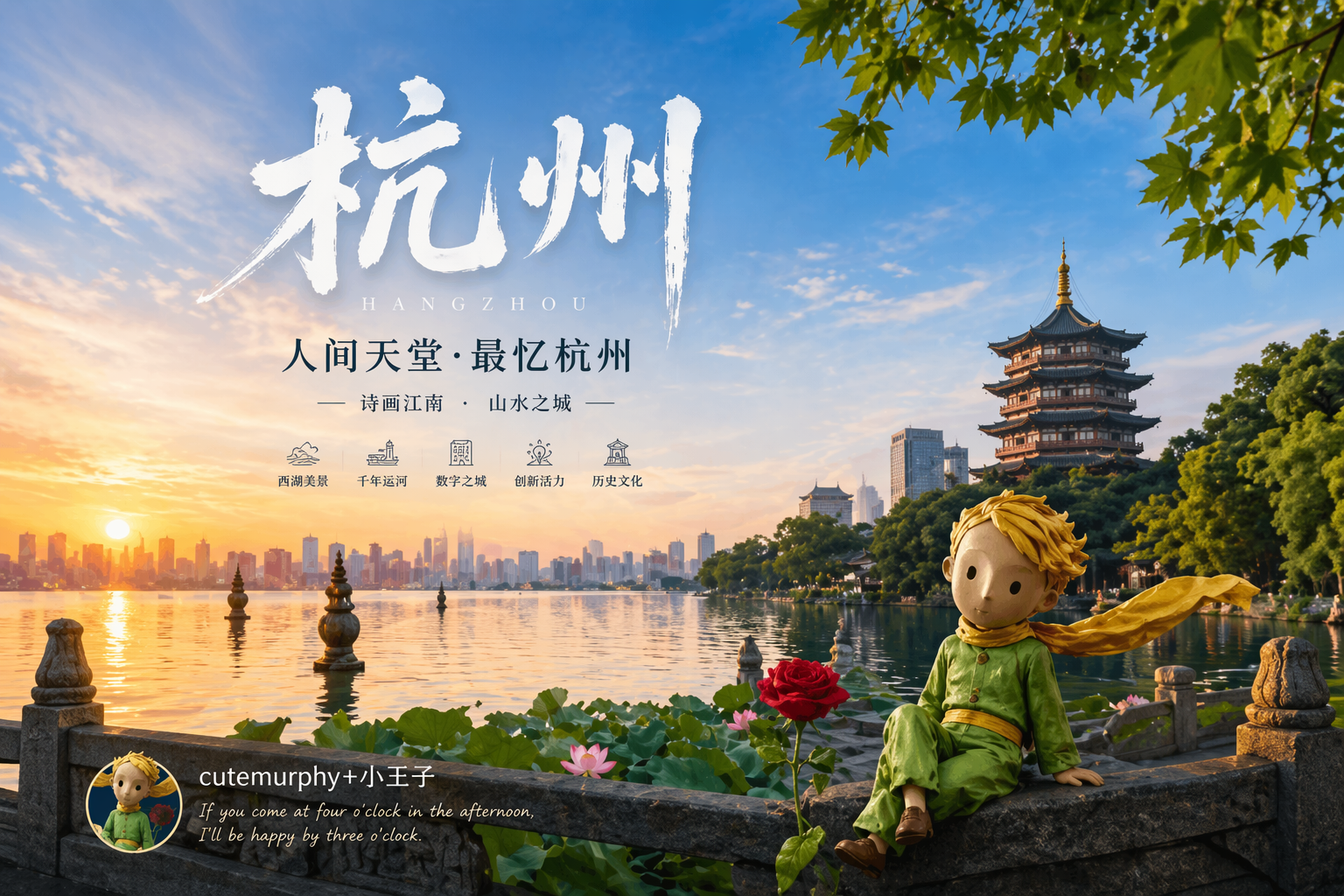
Top 5 Core Features of GPT Image 2
1) Strong instruction following and contextual awareness. 2) Native text+image understanding. 3) Multi-turn high-fidelity editing in the Responses API. 4) Fine-grained output controls for quality, size, format, and compression, with broad resolution options. 5) Snapshot aliases (for example gpt-image-2-2026-04-21) for predictable production behavior.
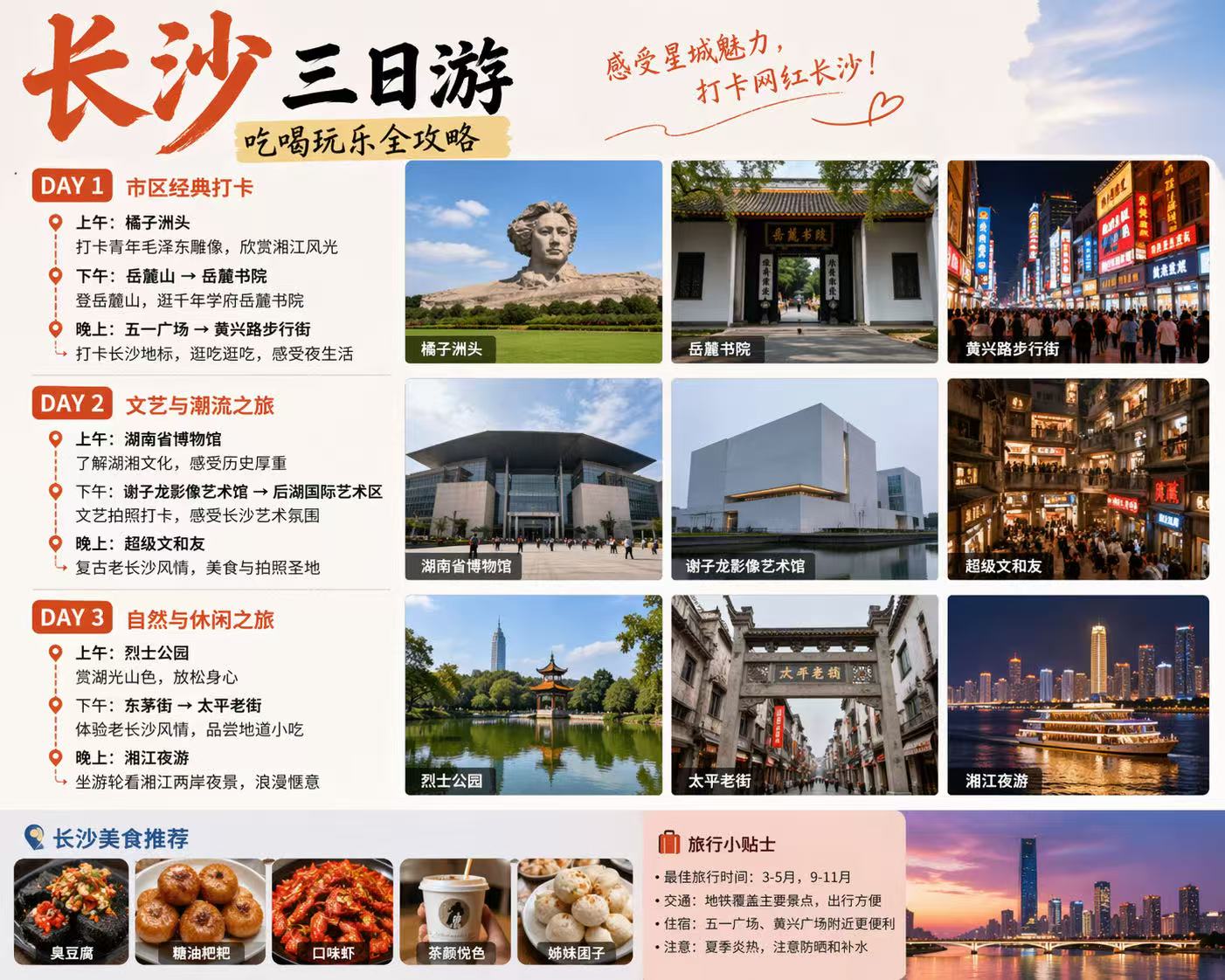
Pros and Trade-Offs You Should Know
Pros: high quality, strong controllability, and practical multi-turn editing workflows. Trade-offs: speed is marked as Medium on the model page; transparent background is currently unsupported; streaming/function calling/structured outputs are listed as not supported; and some organizations may need API Organization Verification before use.

Key Highlights (With Practical Trade-Offs)
Not just the strengths, but where GPT Image 2 is best used.
Strong Prompt Adherence + Context Awareness
OpenAI highlights strong instruction following and contextual awareness. This is excellent for detailed requirements, but it also means vague prompts can produce consistently off-target outputs.
Text + Image Native Understanding
GPT Image models can leverage visual world knowledge and handle both text and image inputs. Great for realistic generation and editing, but reference quality still heavily affects edit outcomes.
Multi-Turn Editing via Responses API
Compared to one-shot flows, Responses API supports iterative high-fidelity edits and File ID inputs. This improves creative iteration, but requires stronger orchestration and state handling.
Quality/Cost Flexibility by Mode
OpenAI's cost examples show low-quality 1024x1024 can be very cheap (around $0.006), while medium/high can rise substantially (around $0.053 / $0.211). Best practice: draft low, ship high.
Snapshot Stability, Feature Boundaries
Snapshot aliases help version stability in production. At the same time, model-page feature limits matter today: transparent background unsupported, and some generic capabilities are marked not supported.
How to Use GPT Image 2 More Reliably
Use a workflow of quality tiering, explicit constraints, and iterative refinement.
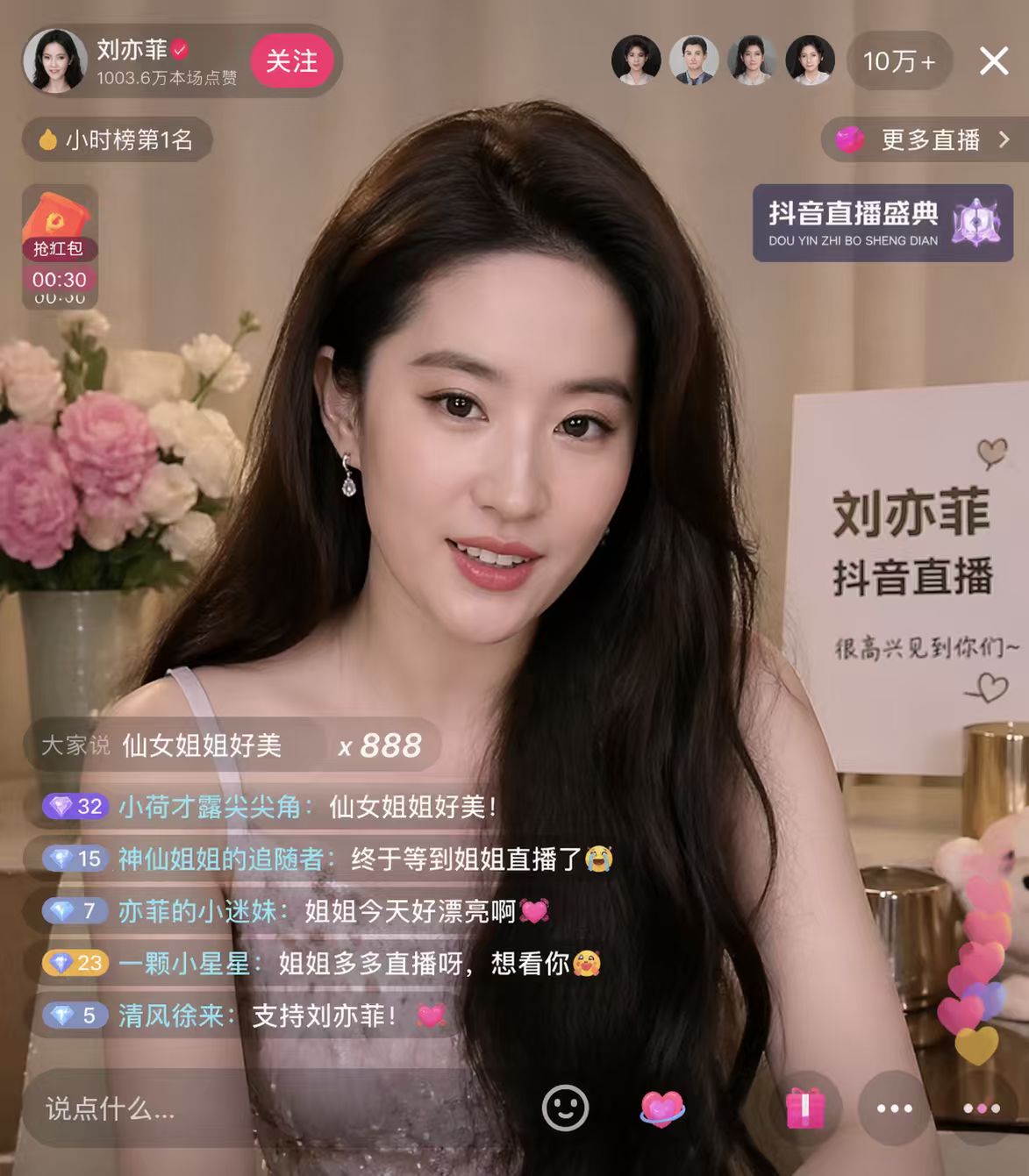
Step 1: Set Quality and Size by Task Stage
Split work into draft, review, and final delivery. Use low quality for exploration, then switch to higher quality for final assets where fidelity matters.

Step 2: Specify What to Change vs Preserve
For edits, clearly define invariants: keep subject identity, composition, and brand elements; change only requested attributes such as background, color, or text layout.
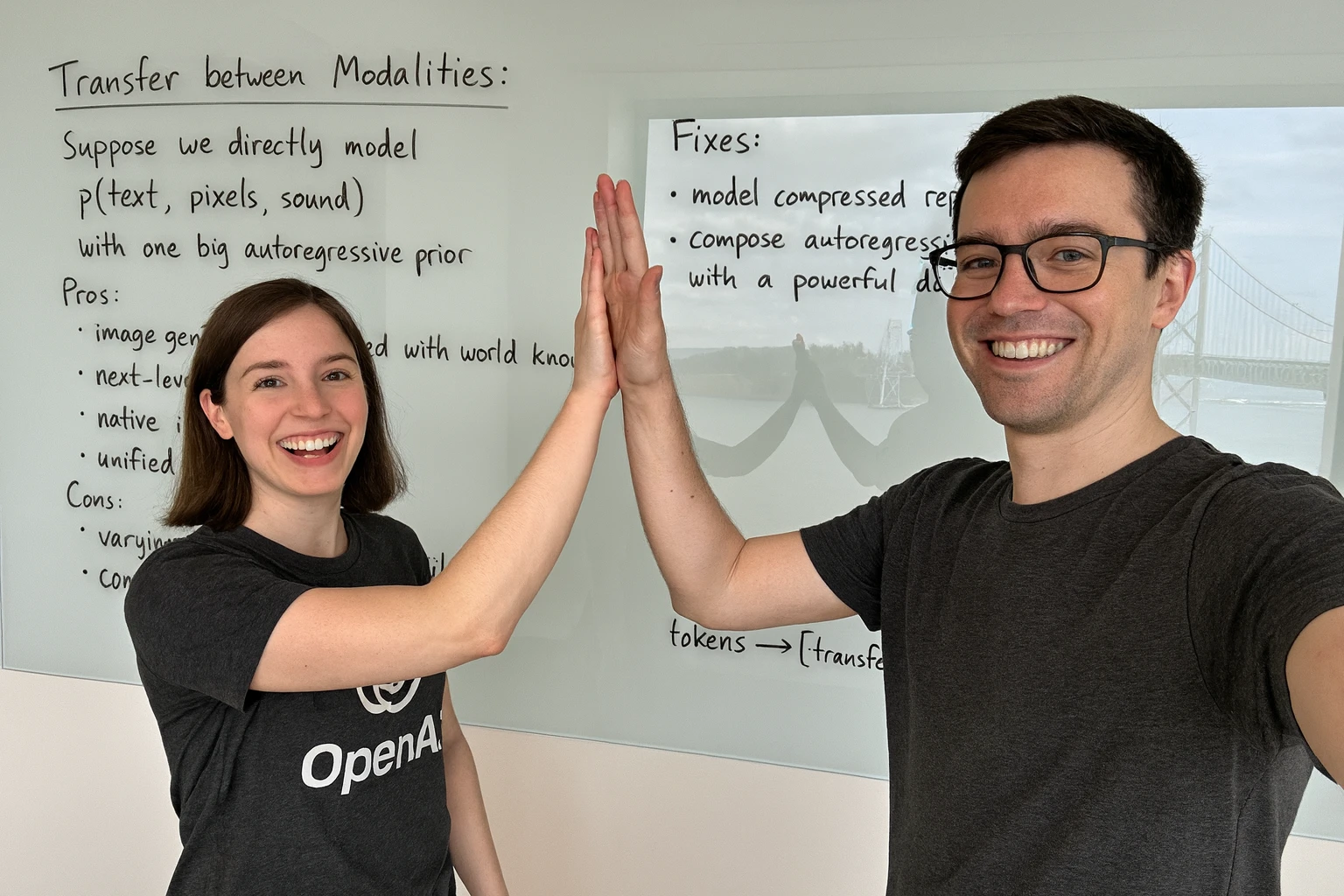
Step 3: Iterate and Lock a Snapshot
Use multi-turn refinement in Responses API, then lock your chosen snapshot alias and parameter set for reproducible outputs in batch workflows.
Try GPT Image 2 in a Production-Style Workflow
Use low-cost drafts and high-fidelity finals to balance quality, speed, and budget more effectively.
What Teams Say About GPT Image 2
GPT Image 2 gives us stronger prompt adherence and cleaner output quality for campaign assets. It reduced our back-and-forth edits significantly.

N.R., Growth Designer
N.R.
Growth Designer
We use GPT Image 2 for product creatives and variant testing. The text-plus-image editing workflow is practical for day-to-day operations.

K.L., E-commerce Operator
K.L.
E-commerce Operator
For social content, GPT Image 2 helps us move faster from concept to publish-ready visuals while keeping brand style constraints in place.

T.W., Content Lead
T.W.
Content Lead